Troubleshooting

Network Error

Type
Content
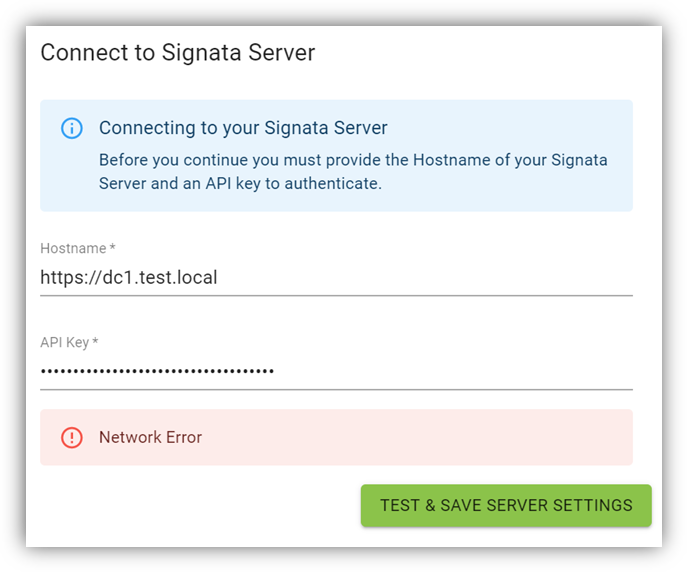
Error Message

Network Error

During

Connecting to Signata Server from Client

Cause(s)

May be caused by the following: Signata Server is unavailable. Hostname does not match certificate name. The certificate for server is not trusted by the client.

Solution(s)

Ensure that the Signata Server is up and can be connected to from the client machine. Ensure the port and protocol (https:// or http://) is correct. Ensure that the certificate for https:// is correct.

Request Failed with Status Code 502

Type
Content
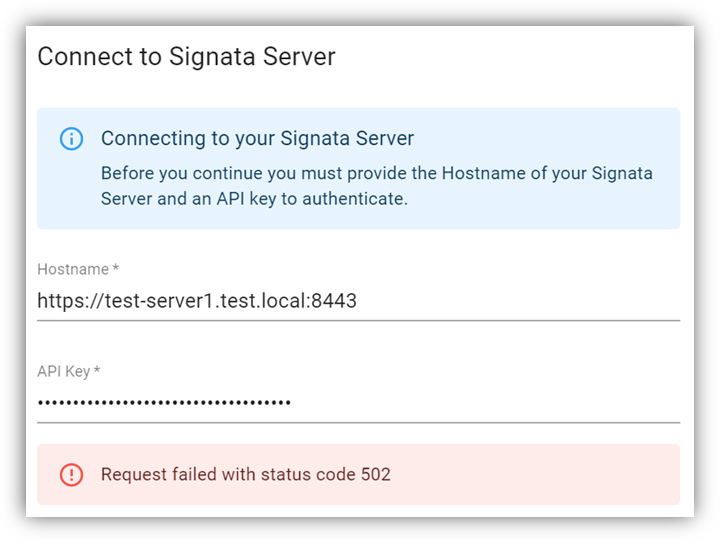
Error Message

Request Failed With Status Code 502

During

Connecting to Signata Server from Client

Cause(s)

May be caused by the following: Signata Server is down, but the Reverse Proxy is up.

Solution(s)

Ensure that the Signata Server is up and can be connected to from the client machine. Ensure the port and protocol (https:// or http://) is correct. Ensure that the certificate for https:// is correct.

id: UNKNOWN code: UNAVAILABLE message: failed to connect to all addresses

Type
Content

Error Message

id: UNKNOWN code: UNAVAILABLE message: failed to connect to all addresses

During

Any interaction with devices

Cause(s)

May be caused by the following: Signata Device Manager service is down or unavailable.

Solution(s)

Restart the Signata Standalone application. Check that local system firewall rules are not blocking the device manager service.

Last updated